Modernize the platform. Preserve the business process.
Related migration, ERP integration, legacy application recovery and archive-validation workstreams—far more than moving site content.
Migration, recovery & validation
SharePoint
InfoPath
SharePoint Designer
ERP integration
Original process illustration; not a client diagram.
The challenge
Keep the business moving through platform change.
SharePoint modernization and an ERP upgrade touched business applications, web-service dependencies, navigation, documents and production workflows. An existing quality-management application also needed a recovery path that preserved its records.
The delivery work
What I worked on
Audited InfoPath and SharePoint Designer dependencies on web services for a JD Edwards 9.0-to-9.2 upgrade, then supported test copies, integration updates, UAT and publication.
Migrated fifteen SharePoint sites with navigation and document-link reconstruction, home-page design and end-user support.
Developed and validated an archive and recovery approach for a separate quality-management application, including metadata, attachments, permissions and former-user identities.
Investigated publication thresholds and timeouts, restored form behavior, tested New/Display/Edit paths and supported stakeholder training.
The outcome
Migration, recovery and validation.
The work combined site migration, integration continuity and validated recovery. A historical project report records an independently validated archive of 27,400 records and 11,600 attachments. Those archive figures concern one application, separate from the fifteen-site migration scope.
27,400archived records
11,600preserved attachments
Historical, independently validated archive figures for one application. Separate from the fifteen-site migration.
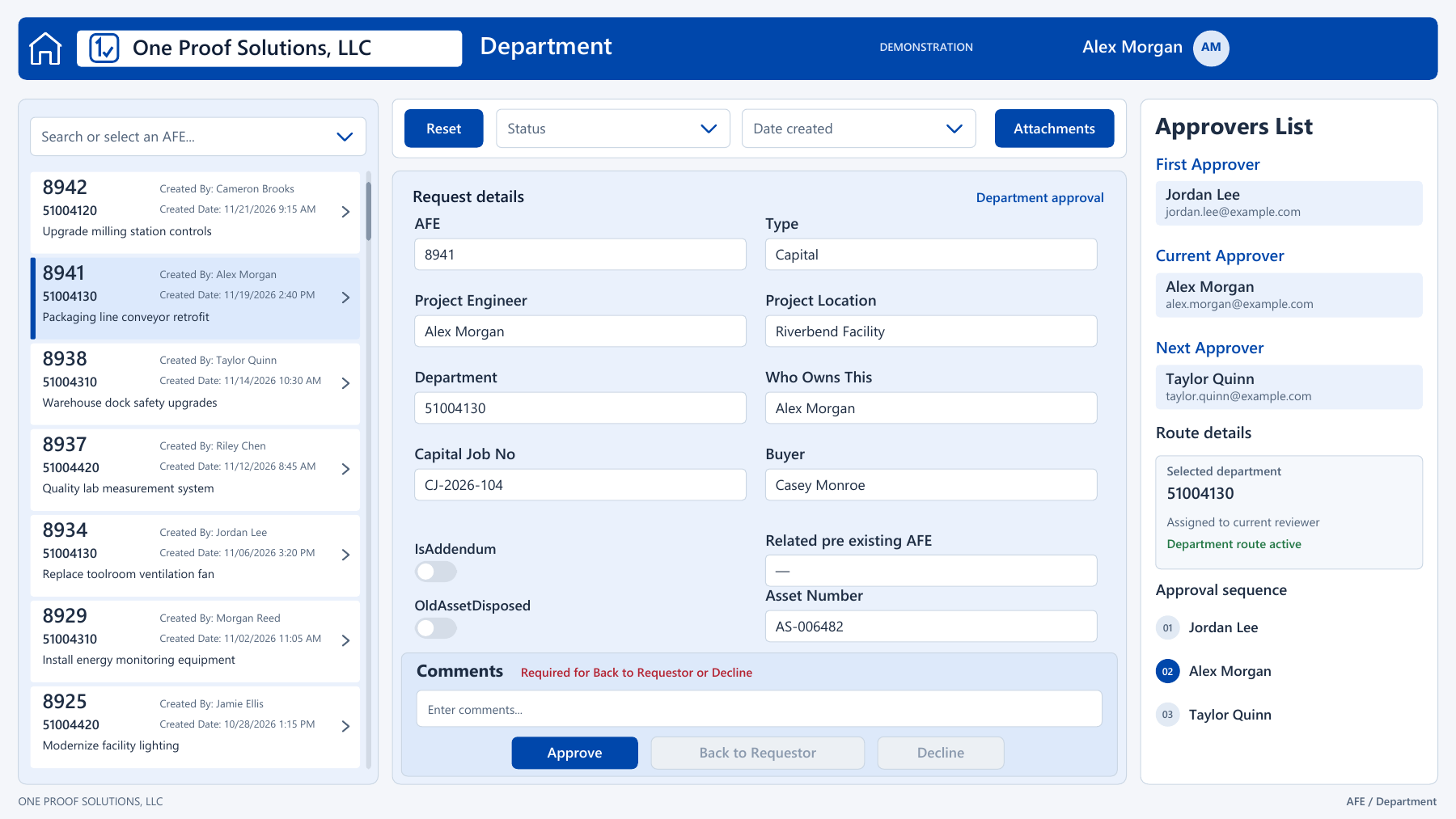
A Power Apps and Azure SQL replacement for a legacy SharePoint and InfoPath request process, shaped around business rules and stakeholder requirements.