
The challenge
Make the application work end to end.
An unfinished financial application needed to become a coherent request, review and accounting process, with clear routing, usable approval screens and support documentation.
Business applications
Reverse engineering, completion and enhancement of an unfinished expenditure application spanning Power Apps, Power Automate and Azure SQL.
The challenge
An unfinished financial application needed to become a coherent request, review and accounting process, with clear routing, usable approval screens and support documentation.
The delivery work
The outcome
Completed and enhanced the capital expenditure application, with documented support and subsequent operational improvements. Approval actions occur in the app; Power Automate supports notifications.
Explore the process
The simplified journey below shows how application actions and notifications fit together.
Select a step to explore
Request validation and supporting context prepare the item for review.
Simplified process illustration—not a Power Automate designer screenshot or the full client workflow.
Continue exploring
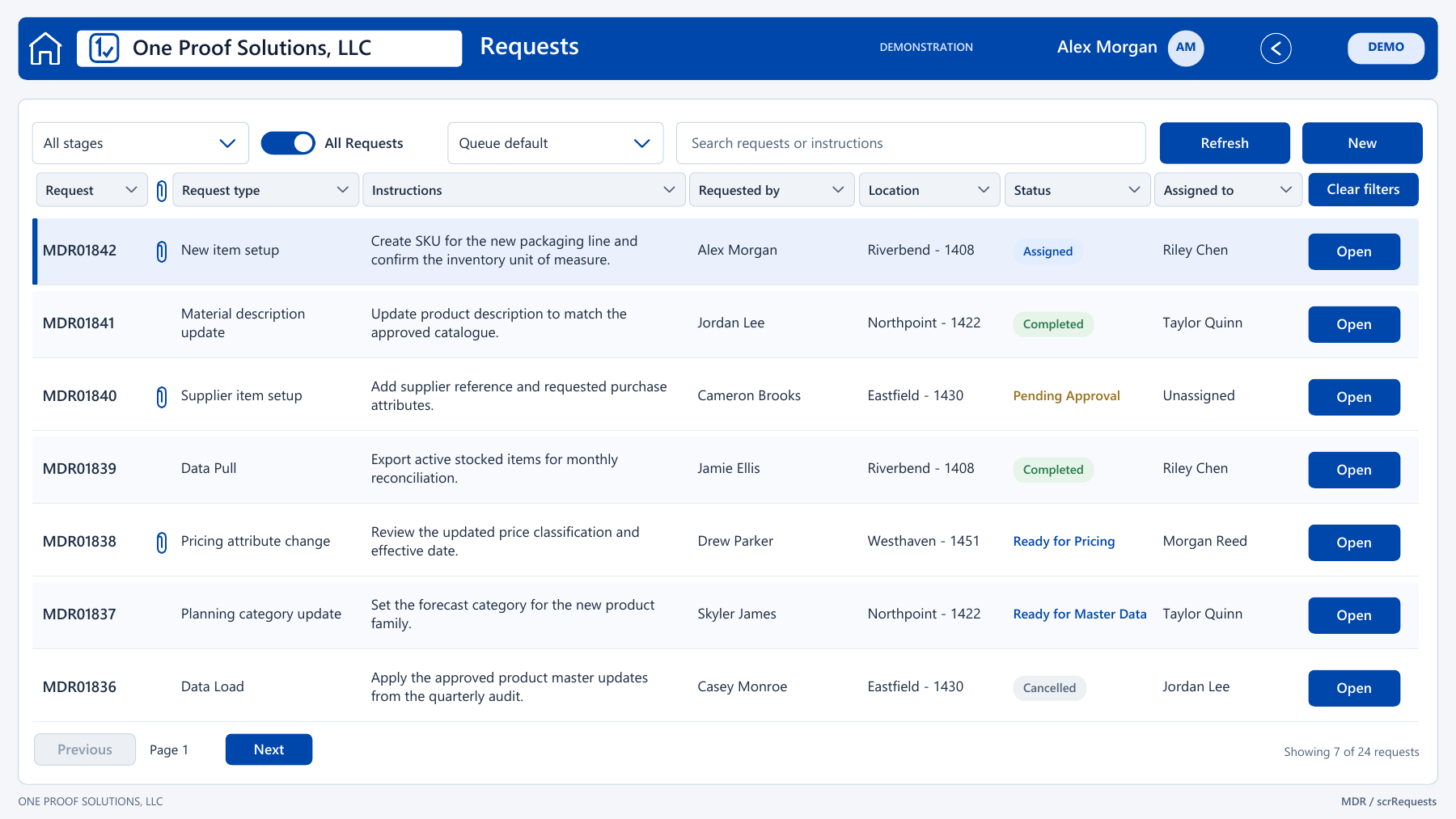 Illustrative interface
Business applications
A Power Apps and Azure SQL replacement for a legacy SharePoint and InfoPath request process, shaped around business rules and stakeholder requirements.
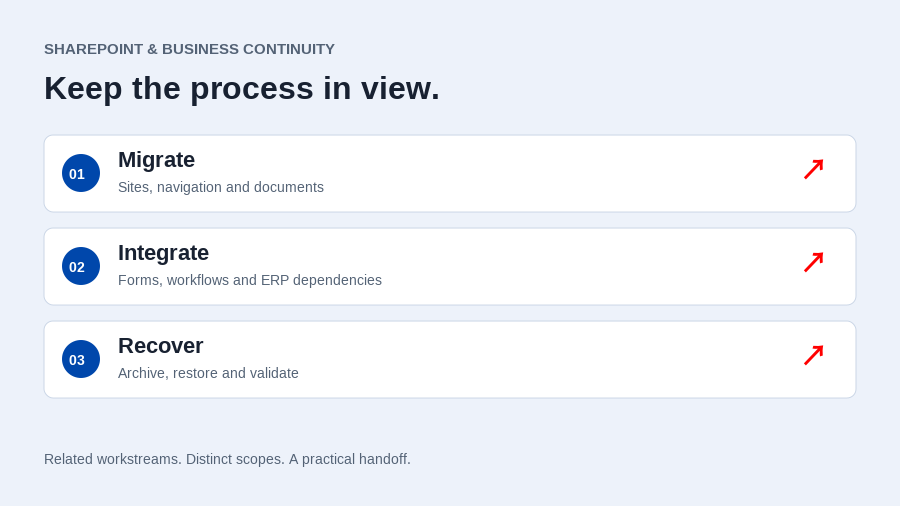 Process illustration
SharePoint & continuity
Related migration, ERP integration, legacy application recovery and archive-validation workstreams—far more than moving site content.
Let’s talk about your project
Tell me where the work gets stuck. We can discuss the requirements, constraints and a practical next step.